“The Gamification Wiki defines Gamification as the infusion of game design techniques, game mechanics, and/or game style into anything. This definition is purposely broad to support the many uses of the word outside of the context of business.”
A few other definitions of Gamification are:
Gamification is the use of game design techniques and game mechanics to solve problems and engage audiences
Simply put, the term refers to incorporating game elements and mechanics into non-gaming websites and software
[Marketing] Way for educational institutions and libraries to engage with their users on a deeper level.
Gamification to me would be a great way for educational institutions and libraries to interact with children and young adults and bring back the love of libraries and learning. Gamification would be a great tool for information literacy for kids if it is done correctly otherwise parents would be in an uproar!
When week 9 began I thought to myself I am lucky that the rules were changed for play activities because I have no way of participating this week. However, I am here to learn so I started to search the Internet to see if there is any way for me to play with QR codes. Following information I found surfing the Internet:
QR Codes
[Jeff Korhan] QR codes are like barcodes but they hold more information and they originate in Japan by [Denso Wave]
[Terrence O’Brien] QR codes are used to link information onto a smartphone. To read them you need to install an [App] that allows you to read the code. There are number of [App] available but the most common one is the QR Reader from iPhone App store.
sarah Hi there, if all you want to do is read the QR code then there are other options, for example if you download Google Chrome (it’s a browser like Firefox or IE) you can add the QReader extension. There are also free online tools to create QR codes – if you do a basic web search you’ll see hundreds of services!
I downloaded Google Chrome and I found the following sites. They are both very easy to use but I like the second one because you can use colour. Yeah! I can now play with QR Codes.
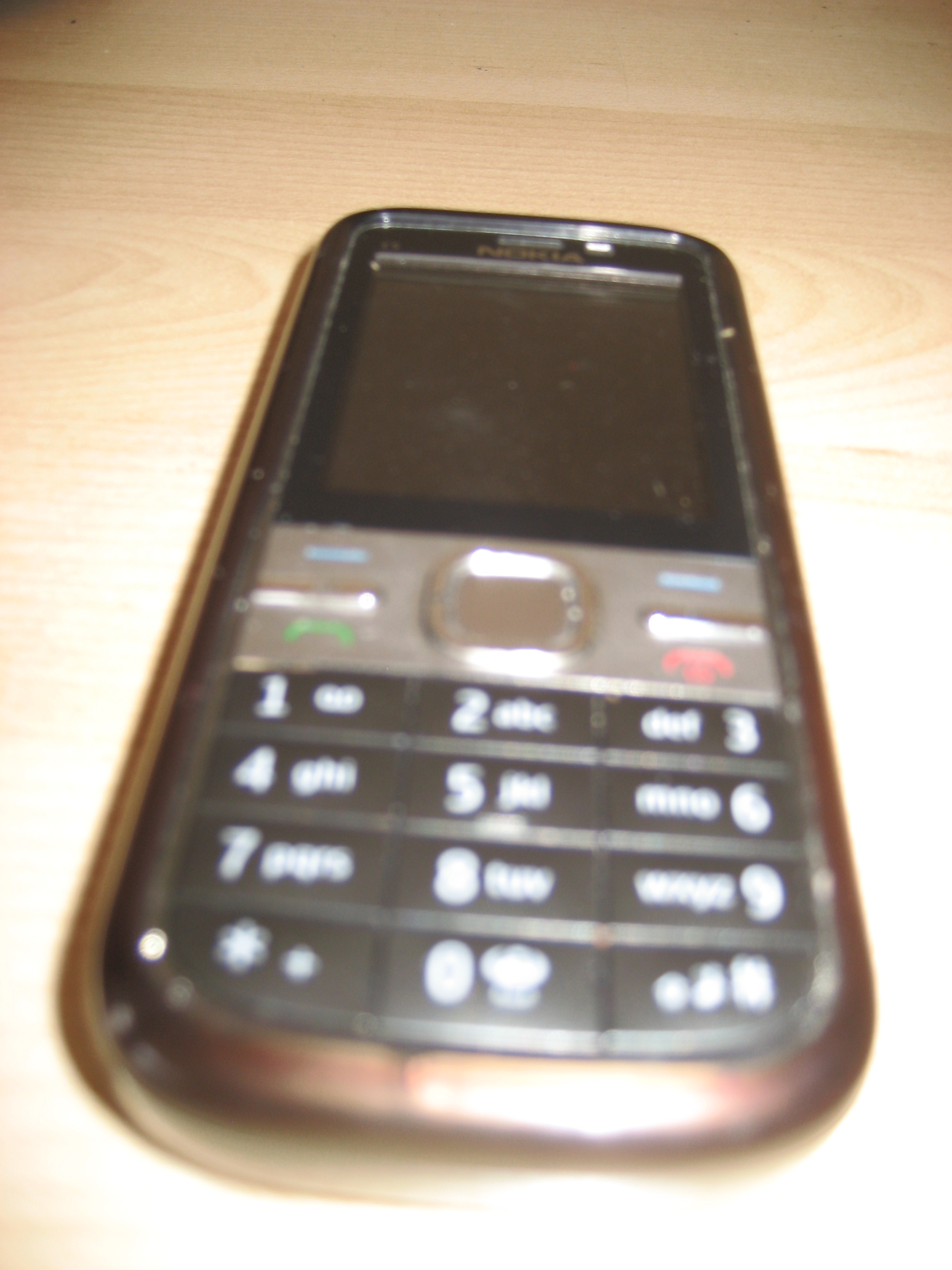
Only a short blog to record information about mobile technologies because I do not have a smartphone! The information will help me when I became a member of the twenty-first century. Shock and horror, I am still using an old fashion phone:
MOBILE TECHNOLOGY
[Wikipedia] Mobile technology is the way we communicate on mobile phones. Mobile code division multiple access (CDMA) technology is always evolving and we are becoming more and more depended on them. Next time you walking around Brisbane have a look at how many people are using a mobile technology device.
[Business Link] Mobile technology is not only mobile phones it incorporates a number of things:
Laptop and notebook computers
Palmtop computers or personal digital assistant
Global positioning system (GPS) devices
Wireless debit/credit card payment terminal
[Chris LaBelle] With the increase number of people moving away from the traditional workstations and laptops to smartphones, libraries and educational institutions need to change in the way they present information to their uses. Otherwise, libraries and educational institutions will lose a large part of their clients. Educational institutions and libraries need to formulate educational instructions for mobile devices and one way they can achieve this is by [Place-Based Learning]. [Business Link] Mobile technologies are here to stay and the benefits out way the negatives:
PROS
Improve the service you provide your clients
To pay for service or goods without going to the counter
Pay for the meal without leaving the table
Able to access your office network when you are out of the office
Provide more flexibility for employees.
CONS
Cost
Staff training
Security: wireless networks can allow access to personnel information
I have found same interesting resources that talk about mobile technologies:
Before today I never really realised what Flickr is all about and what the benefit it has for libraries and educational institutions. So I decided to write a short post on the benefits of Flickr.
[Chia, M., Mislove, A., & Gummadi, K. P.] Flickr is a photo sharing site that allows you to link your photos to your Facebook and Twitter accounts. It also allows you to find friends, join groups and share your photos with family. Privacy issues on Flickr concerning photos are covered very well and allow you go create links and tags to each photo. If you want to investigate Flickr, further click on the link [FAQ]
The main benefits that I can see Flickr has are:
Access to historical photos collections from National and State Libraries
Provide archival service for State and National collections
A cheaper way for family and friends to share their photo collections
Family history resources
Provide access for Teachers and Librarians to a large photo resource
Wow! What a great play activity. I do not know about everyone else but for me to learn, I need to have practice as well as theory. Before this week, I had no knowledge with the presentation tools that help information delivery. Therefore, I decided to investigate and record my findings on my blog.
Presentation Tools
Screencasting: Is the recording of computer screens with narrative. It allows users to learn by example and for the creator to provide clear and complete instructions [Adam Hay]. Only disadvantage with screencasting it is not interactive [Educause] but it still a good way for students to learn to do audio presentation.
Slidecasting: Format development by [SlideShare] to allow teachers and librarians to link audio to their slide presentation. I found a great site that answers questions about slidecasting [Frequently Asked Questions].
Slidesharing: To share slides presentation on the Internet without audio and allows teachers and librarians to share their Conference PowerPoint presentation with their colleagues. (See Presentation 3)
After looking at all the free presentation tools, I decided to finish week 8-play activity by using the following:
[SlideShare]: Not only a great place to load and view PowerPoint presentations, it also allows you to contact people who have the same interest. Actually, it could be considered great networking tool, which allows users to embed/link their presentation to websites, blogs, Facebook and Twitter [Matthew Allen].
[Screencast-O-Matic]: Allows teachers and librarians to record computer screens with narrative for class presentations. See the following YouTube presentation.
I finally finished my screencasting activity and I wish I could have had a voice double but still the experience was enjoyable and I did learn a lot. Slidecasting and screencasting not only helps classroom learning, they also help libraries to provide more access to their information literacy programs. [SlideShare] and [Screencast-O-Matic] are great tools and so easy to use, the only problem was the operator who is still on her L-Plates. We all need a laugh so enjoy the following presentations. In the future I would uses [SlideShare] over [Screencast-O-Matic] my reason are:
SlideShare:
PROS:
Easy to use
Interactive
Tags
Allows you to store your conference presentations
Allows you to share presentations with others
Easy to update
Free – Purchasing is optional
Allows audio presentation
Allows notes
Help – Yes
CONS:
Others can use your presentations
Audio and slides are done separately
Screencast-O-Matic
PROS:
Easy to use
Allows comments
Allows notes
Allows audio presentation
Great learning tool for students
Allows you to share presentations with others
Cons:
Not interactive
Have to purchase to store more then one presentation



 Jennifer Diggens