
Play Activity – Mobile Technology – Week 9

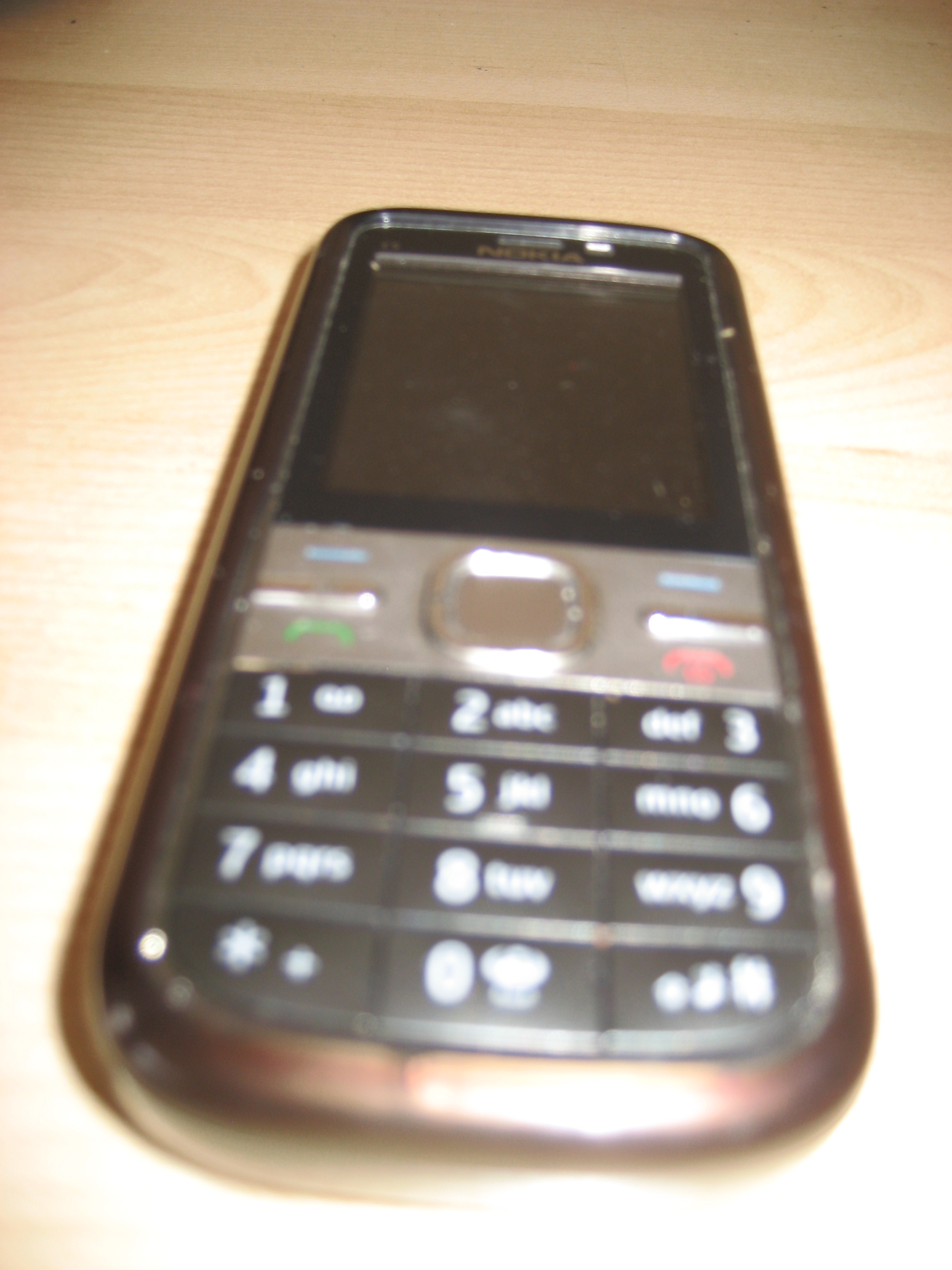
Only a short blog to record information about mobile technologies because I do not have a smartphone!  The information will help me when I became a member of the twenty-first century.  Shock and horror, I am still using an old fashion phone:
 

Flickr 011

MOBILE TECHNOLOGY

[Wikipedia] Mobile technology is the way we communicate on mobile phones. Mobile code division multiple access (CDMA) technology is always evolving and we are becoming more and more depended on them. Next time you walking around Brisbane have a look at how many people are using a mobile technology device.

[Business Link] Mobile technology is not only mobile phones it incorporates a number of things:

  • Laptop and notebook computers
  • Palmtop computers or personal digital assistant
  • Global positioning system (GPS) devices
  • Wireless debit/credit card payment terminal

[Chris LaBelle] With the increase number of people moving away from the traditional workstations and laptops to smartphones, libraries and educational institutions need to change in the way they present information to their uses.  Otherwise, libraries and educational institutions will lose a large part of their clients.  Educational institutions and libraries need to formulate educational instructions for mobile devices and one way they can achieve this is by [Place-Based Learning].  [Business Link] Mobile technologies are here to stay and the benefits out way the negatives:

  • PROS
  •  Improve the service you provide your clients
  • To pay for service or goods without going to the counter
  • Pay for the meal without leaving the table
  • Able to access your office network when you are out of the office
  • Provide more flexibility for employees.
  • CONS
  • Cost
  • Staff training
  • Security:  wireless networks can allow access to personnel information

I have found same interesting resources that talk about mobile technologies:

Cellphone culture: mobile technology in everyday life

Play Activity – Flickr – Week 7


Before today I never really realised what Flickr is all about and what the benefit it has for libraries and educational institutions.  So I decided to write a short post on the benefits of Flickr.

[Chia, M., Mislove, A., & Gummadi, K. P.] Flickr is a photo sharing site that allows you to link your photos to your Facebook and Twitter accounts.  It also allows you to find friends, join groups and share your photos with family. Privacy issues on Flickr concerning photos are covered very well and allow you go create links and tags to each photo. If you want to investigate Flickr, further click on the link [FAQ]


The main benefits that I can see Flickr has are:

  • Access to historical photos collections from National and State Libraries
  • Provide archival service for State and National collections
  • A cheaper way for family and friends to share their photo collections
  • Family history resources
  • Provide access for Teachers and Librarians to a large photo resource

MY FLICKR PHOTOSTREAM

http://www.flickr.com//photos/86524564@N05/show/


My Flickr Groups:


L-Plates – Play Activity – Week 8

Wow!  What a great play activity.  I do not know about everyone else but for me to learn, I need to have practice as well as theory.  Before this week, I had no knowledge with the presentation tools that help information delivery.  Therefore, I decided to investigate and record my findings on my blog.

  Presentation Tools

 Screencasting:  Is the recording of computer screens with narrative.  It allows users to learn by example and for the creator to provide clear and complete instructions [Adam Hay].  Only disadvantage with screencasting it is not interactive [Educause] but it still a good way for students to learn to do audio presentation.

Slidecasting:  Format development by [SlideShare] to allow teachers and librarians to link audio to their slide presentation.  I found a great site that answers questions about slidecasting [Frequently Asked Questions].

Slidesharing:  To share slides presentation on the Internet without audio and allows teachers and librarians to share their Conference PowerPoint presentation with their colleagues. (See Presentation 3)

After looking at all the free presentation tools, I decided to finish week 8-play activity by using the following:

[SlideShare]:  Not only a great place to load and view PowerPoint presentations, it also allows you to contact people who have the same interest.  Actually, it could be considered great networking tool, which allows users to embed/link their presentation to websites, blogs, Facebook and Twitter [Matthew Allen].

[Screencast-O-Matic]:  Allows teachers and librarians to record computer screens with narrative for class presentations.  See the following YouTube presentation.

I finally finished my screencasting activity and I wish I could have had a voice double but still the experience was enjoyable and I did learn a lot.  Slidecasting and screencasting not only helps classroom learning, they also help libraries to provide more access to their information literacy programs.  [SlideShare] and [Screencast-O-Matic] are great tools and so easy to use, the only problem was the operator who is still on her L-Plates.  We all need a laugh so enjoy the following presentations.  In the future I would uses [SlideShare] over [Screencast-O-Matic] my reason are:

SlideShare:

PROS:

  1. Easy to use
  2. Interactive
  3. Tags
  4. Allows you to store your conference presentations
  5. Allows you to share presentations with others
  6. Easy to update
  7. Free – Purchasing is optional
  8. Allows audio presentation
  9. Allows notes
  10. Help – Yes

CONS:

  1. Others can use your presentations
  2. Audio and slides are done separately

Screencast-O-Matic

PROS:

  1. Easy to use
  2. Allows comments
  3. Allows notes
  4. Allows audio presentation
  5. Great learning tool for students
  6. Allows you to share presentations with others

Cons:

  1. Not interactive
  2. Have to purchase to store more then one presentation
  3. No tags
  4. Update the whole presentation again
  5. Help Desk – poor

Play Activity – Week 4 – Skype


Pics and Photos

Skype and instant messaging are a cheaper way for people to communicate with colleague; love ones and friends.  Using Skype is just like talking to each other face to face and I use it to keep in touch with friends and family who live interstate.

I am an external student living in Melbourne so to communicate with my group members for assignment 2,  would be difficult.  So to be able to use Skype as a way for us to communicate is fantastic. My group finally got together on Skype after we both recovered from illnesses.

Using Skype was very easy but we had technical issues with sound.  It did not stop us discussing assignment 2 using the SMS section of Skype.  The other advantage of Skype over emails is that you get to know your group members in a more informal setting.  For example with both enjoy doing cross-stitch.  The outcome of this is good cooperation for assignment 2 and friendship after Inn333 is over. Overall the experience of using Skype was very rewarding and at the end of the session we had the framework done for assignment 2.


Play Activity – Week 5 – Bundlr

I decided to write about the wonderful world of reading.  To me reading empowers you and gives you access to the world of knowledge, imaginations and friendships.

IMPORTANCE OF READING:

[Riley Johnson and Squidoo]

  1. Stress – reading a good book calms the mind
  2. Vocabulary – by reading you increase your vocabulary
  3. Communicator – reading helps you be better communicator with friends, colleagues and family
  4. Confidence – while you are reading you gain knowledge and therefore it leads you to be more confident
  5. Concentration – helps the brain to focus.

KNOWLEDGE:

[Riley Johnson] Reading is important to everyone.  It empowers us with the knowledge that helps us in everyday life  in other words  you became better at conversing with family, colleagues and friends. For example when we all enrolled in INN333 my main criteria was to gain knowledge. Knowledge helps us to understand other people and their cultures and to engage with them as fellow human beings.

IMAGINATIONS:

[Riley Johnson] One of the great things about reading is that it allows us to go into the world of make believe.

“Imagination and reading actually complement each other. Imagination helps increase a person’s knowledge of things and knowledge helps increase a person’s imagination” [Riley Johnson]

For an  hour or two we can forget about all the problems of the world and become a character in a book. For example


[Riley Johnson] Reading also has health benefits for kids and adults.  For example, when growing up Mum never was allowed to read, so when Mum had her nervous breakdown I introduced her to the wonderful world of  reading.  Reading allowed Mum to sit down and forget about the world around her.

FRIENDSHIPS:

The love of reading  allows you to gain friends. You can find friends by joining your local monthly Public Library Book Club for example, Seaside Readers Book Club at Deception Bay.  Other organisations that also provide’s book clubs are your local community organisations; universities (Australian Catholic University Book Club). With more and more people having access to the Internet there is really no reason for not participating in the wonderful world of reading. I have listed same examples of online websites:

  1. Goodreads 
  2. Open Library
  3. Huff Post Book Club  

My favourite authors are:

  • Patricia Cornwell
  • Clive Cussler
  • James Patterson
  • Nora Robert

I love to read a book in print not as an eBook,  so I hope we never loose the printed book.


“Importance of Reading” on Bundlr